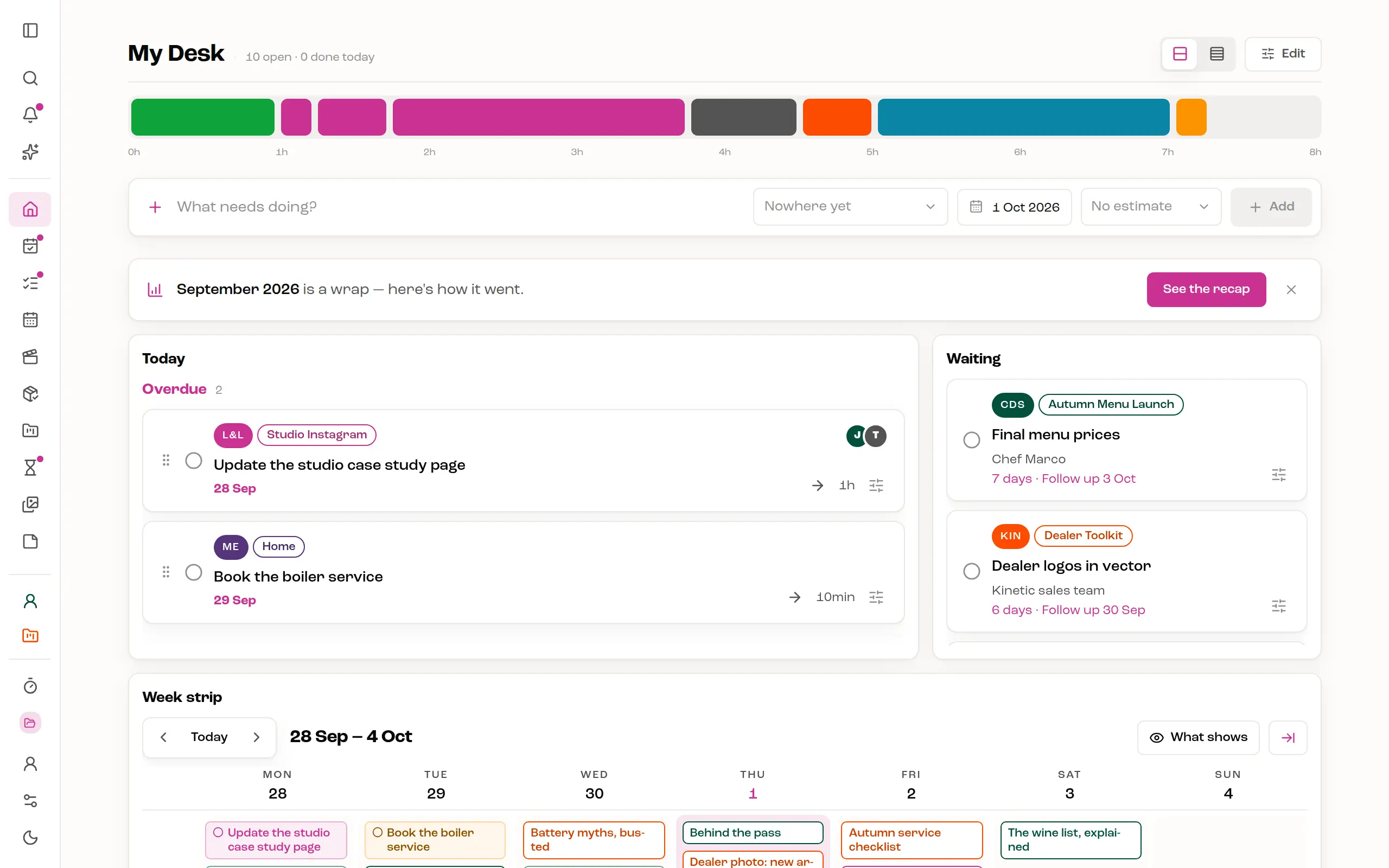
A day has a size.
Every task carries an estimate, and Today draws them end to end as one bar. Add an hour and a half and watch it land: past your capacity the bar fades, so an overfull day shows before you start it, not at six in the evening.
manidesk keeps the day's work and the month's posts in one place — every task sized by how long it takes, every post on its own calendar, and the people you make it for one link away.
Runs in your browser. All it takes is an email address.
You're signed in — your desk is where you left it.
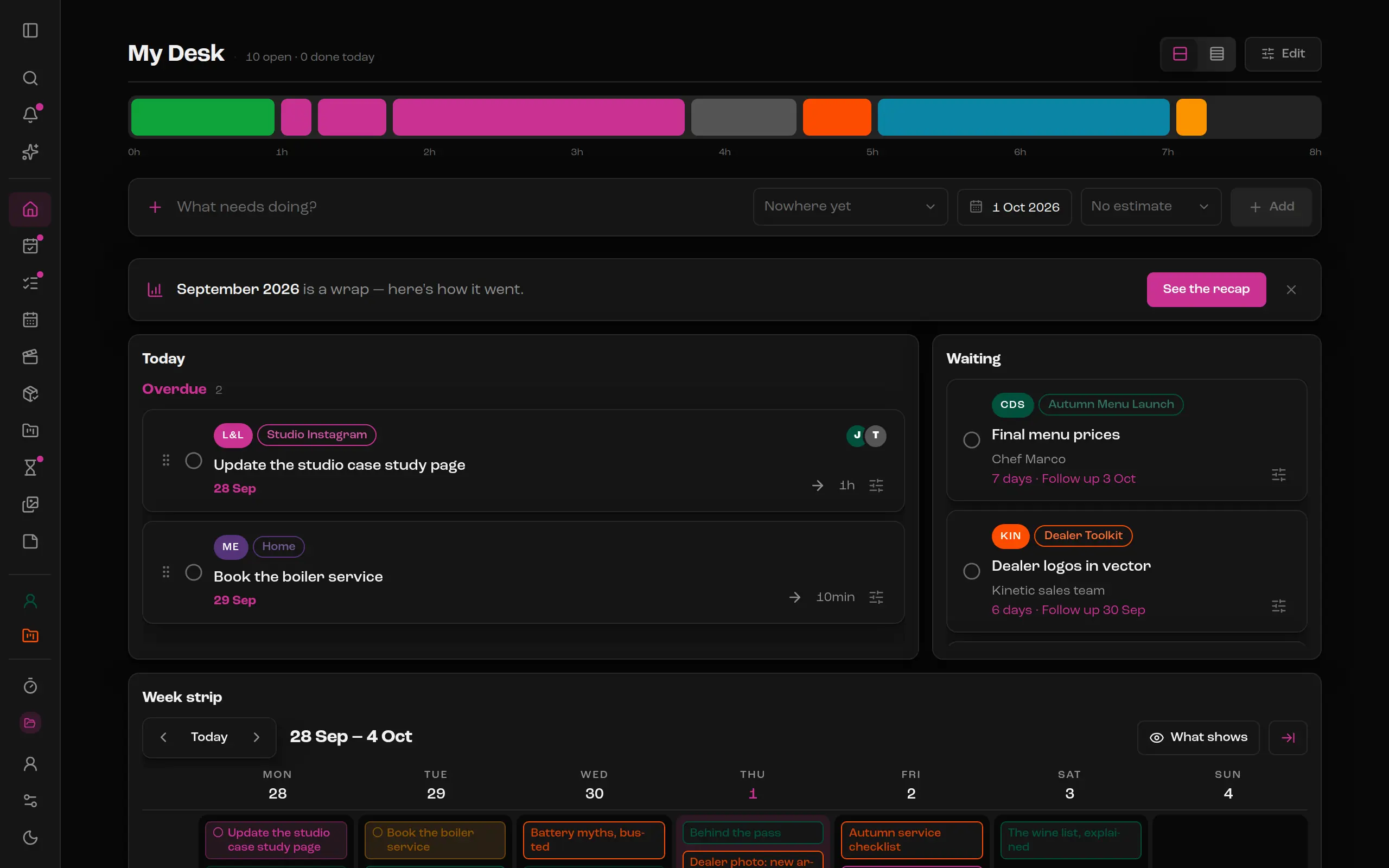


Most lists treat ten tasks and ten hours as the same thing. manidesk is built on three ideas that keep a plan honest.
Every task carries an estimate, and Today draws them end to end as one bar. Add an hour and a half and watch it land: past your capacity the bar fades, so an overfull day shows before you start it, not at six in the evening.
Work that is stuck on somebody else leaves your day for Waiting — with who it is waiting on, how many days it has sat there and when to follow up. Your list stays made of things you can actually do.
Six hours of work does not fit in one day, and planning it as if it did is how days overflow. Split it into sittings, each on its own day with its own hours. It stays one task, and every piece says where it stands: Sitting 2 of 3.
Reels, carousels and stories each get a color, a status and their platforms. Read the month as a calendar, as a board by status, or as a table — with fields of your own, like the pillar or the hook.


Tasks, events and posts on one calendar, by the day, the week or the month. Things with a time take their hour; the rest wait in a row at the top of the day until you give them one.


Share the content calendar with the people you make it for. They read each post and approve it, or ask for a change, under their own name.


An area for each client and each side of your life, with projects inside when you need them. Every task wears its area's color, everywhere.
Pin what you keep coming back to, color it, file it under an area — or don't.

Pomodoro, one press away on every screen.
Press ? in the app for the whole list.
When a month closes, a recap — and a story-sized picture of it to share.
Keep an area to yourself, share it with a few people, or open it to everyone.
Connect Claude or ChatGPT, then ask what's on your week, add a task or drop a caption into a post. It sees only what you can.
It follows your device, or keeps the one you pick.
Today's work, this month's posts and the people waiting on them, sized to the hours you have.